How to Check Your Website's Speed and SEO for Free
Learn how to check your website’s mobile and desktop performance, accessibility, best practices, and SEO basics for free, plus what to fix first.
Start with a free check, not a complete redesign
If your website feels slow, looks different on mobile, or isn’t attracting the visitors you expected, you don’t need to guess where to start. A website performance check can help you identify measurable problems before you spend money making changes.
A useful first step is to test both the mobile and desktop versions of your website. Google PageSpeed Insights uses Lighthouse lab tests and, when available, real-user data to help explain how a page performs. The four Lighthouse categories are Performance, Accessibility, Best Practices, and SEO.
1. Run your website through a free grader
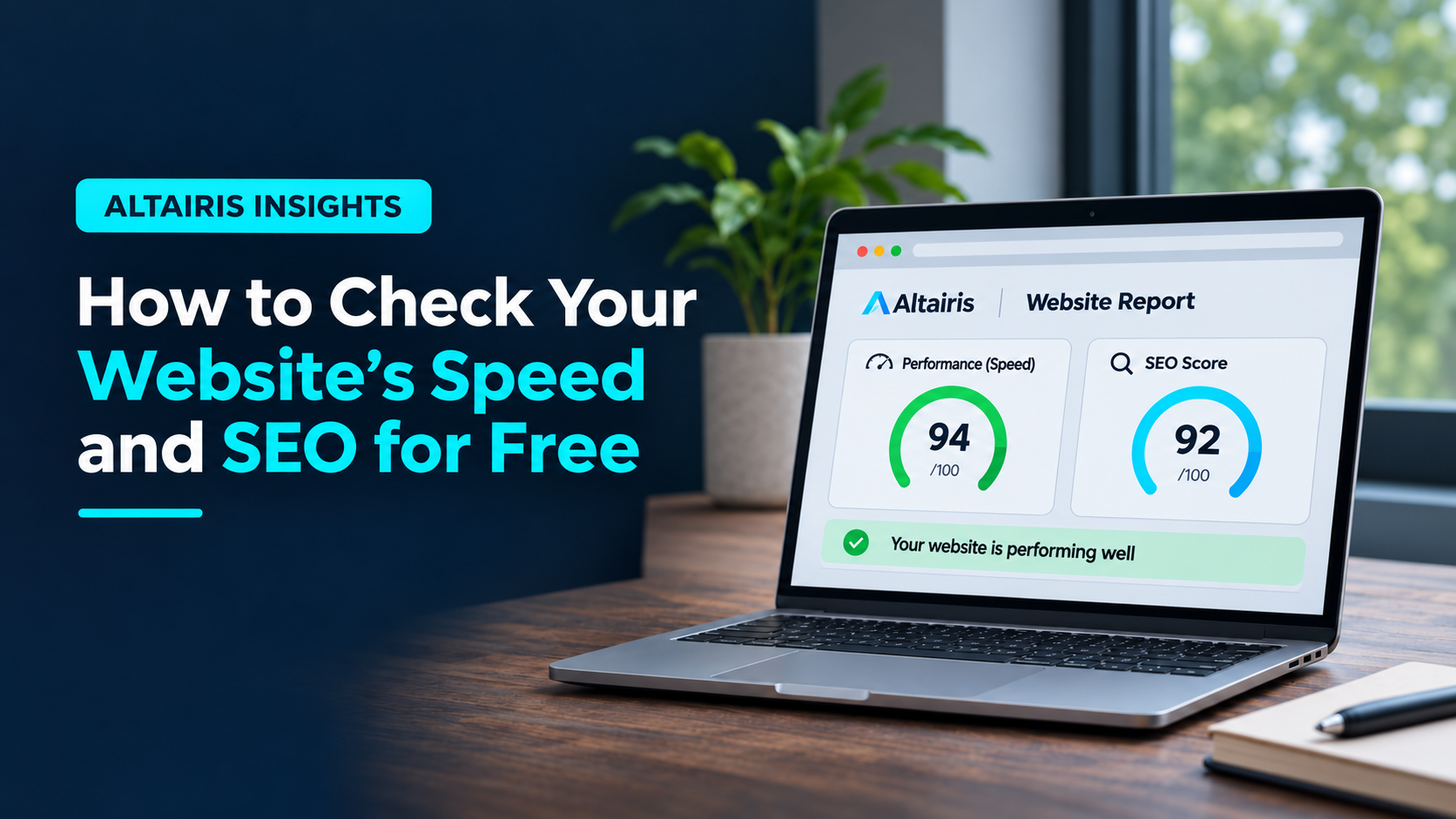
Open the Altairis free Website Grader, enter a public page URL, and request a report. It checks mobile and desktop results and explains up to three findings in plain language. The report is delivered by email.
What the free grade includes: Lighthouse Performance, Accessibility, Best Practices, and basic SEO scores for mobile and desktop. It is not a full keyword analysis, technical crawl, local SEO audit, or AI visibility report.
2. Read the four scores correctly
Performance
This score summarizes several measures observed during a simulated page load. It’s helpful for spotting slow or unstable pages, but a single score shouldn’t drive every design decision. Test important pages, not just the homepage.
Accessibility
Automated checks may highlight contrast problems, missing accessible names, and other issues. A high automated score does not prove the website is fully accessible. Manual testing remains important.
Best Practices
These checks look at selected web development and browser-related issues. Review the specific warnings to decide whether they need attention.
SEO
Lighthouse’s SEO category checks a limited set of technical basics. A strong result doesn’t tell you whether you’re ranking for the right keywords, whether your pages answer customer questions, or whether Google is sending qualified traffic.
3. Compare mobile and desktop
Don’t assume a page that looks good on a large monitor performs equally well on a phone. Mobile results may differ because of smaller screens, simulated device conditions, and network assumptions. Prioritize mobile usability if customers commonly discover you on their phones, but use both reports to understand the trade-offs.
4. Review the findings behind the score
Pay attention to actionable issues instead of chasing a perfect 100. Common findings worth investigating include:
- Oversized images: Compress and resize photos to the dimensions they actually need.
- Slow-loading fonts and scripts: Review third-party tools, unused code, and font loading.
- Layout movement: Reserve space for images, embedded forms, and other content that loads later.
- Weak contrast or missing labels: Check the affected text and controls on real devices.
- Unclear headings and content: Make sure each important page has a descriptive title, useful headings, and an obvious next step.
For the broader picture, Google’s Core Web Vitals look at loading experience, responsiveness, and visual stability. When enough real-user data is available, compare it with simulated test results rather than treating them as interchangeable.
5. Check whether Google can actually find your pages
Performance testing is only one part of site visibility. Use Google Search Console to see whether important pages are indexed and which searches generate impressions and clicks. Then review your page titles, content, internal links, and the questions your customers ask.
If you need deeper help with those areas, see our SEO and AI visibility services. If visitors reach your pages but don’t take action, our web design and conversion services explain how content and usability fit together.
6. Retest after making a change
Make one or two meaningful improvements, retest, and compare the findings. Performance measurements can vary between runs, so look for repeatable improvements rather than expecting identical numbers every time.
Further reading: Google’s PageSpeed Insights documentation and Google Search’s SEO Starter Guide.
Your next step: get a clear starting point.
Check your website on mobile and desktop, understand the main findings, then decide what to improve first. The free grade covers foundational Lighthouse checks, not a complete SEO audit.
More practical guides: Altairis Insights. Need hands-on support? SEO & AI visibility | Web design & conversion.